
Pocket Option Telegram group.
Start with SS7TRADER.
Looking for a Pocket Option Telegram group? Join our public channel for trading setups, tool updates and a direct route to the SS7TRADER team—across Binary Options, Forex & Gold, and Crypto.
Free to join the public channel. Indicators and signal services are separate paid offers. SS7TRADER is an independent trading-tools provider, not Pocket Option’s official channel.

See what we share.
Choose what fits.
Our Telegram channel is the starting point for the SS7TRADER community. Browse the public history, see our trading-tool updates and market posts, and find the product or service that matches your workflow.
If your search is for Pocket Option Telegram signals, start by understanding how each setup is generated and where it must be executed. A Telegram post, an MT5 chart signal and a broker order are different parts of the process. Read the market, chart timeframe and timing instructions before using a setup.
Beyond binary trading, our ecosystem includes dedicated Forex & Gold and Crypto indicators, plus the SS7 Signals Terminal. You can explore the public channel first and ask our team which option meets your needs.
How to join our Telegram community
Open the correct link
Use t.me/ss7trader in Telegram or your browser. Check the exact handle before following a channel or contacting an account.
Browse the public posts
Read the channel history and any pinned instructions. Look at the market, platform and date attached to a post so you understand its context.
Pick your workflow
Choose an indicator for your own chart, or explore analyst-posted setups in the Signals Terminal. Ask support about installation and access before purchasing.
Your market.
Your chart tool.
Three specialised indicators. Check the product page for current access terms, supported features and installation requirements.
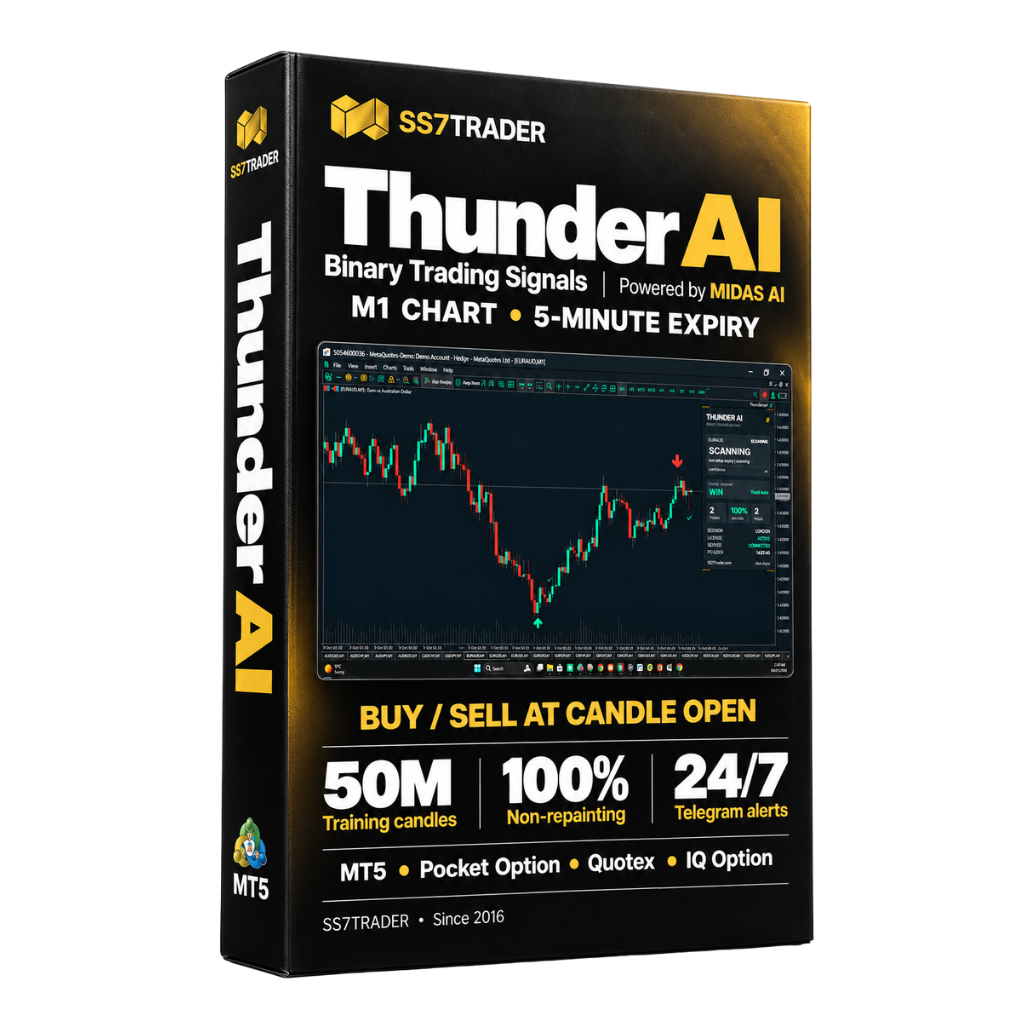
Thunder AI Binary
For traders who want BUY/SELL signals directly on their own MT5 chart, with a defined chart and expiry workflow.
- M1 chart timeframe
- Five-minute expiry workflow
- 100% non-repainting signals
- Powered by the MIDAS AI research ecosystem
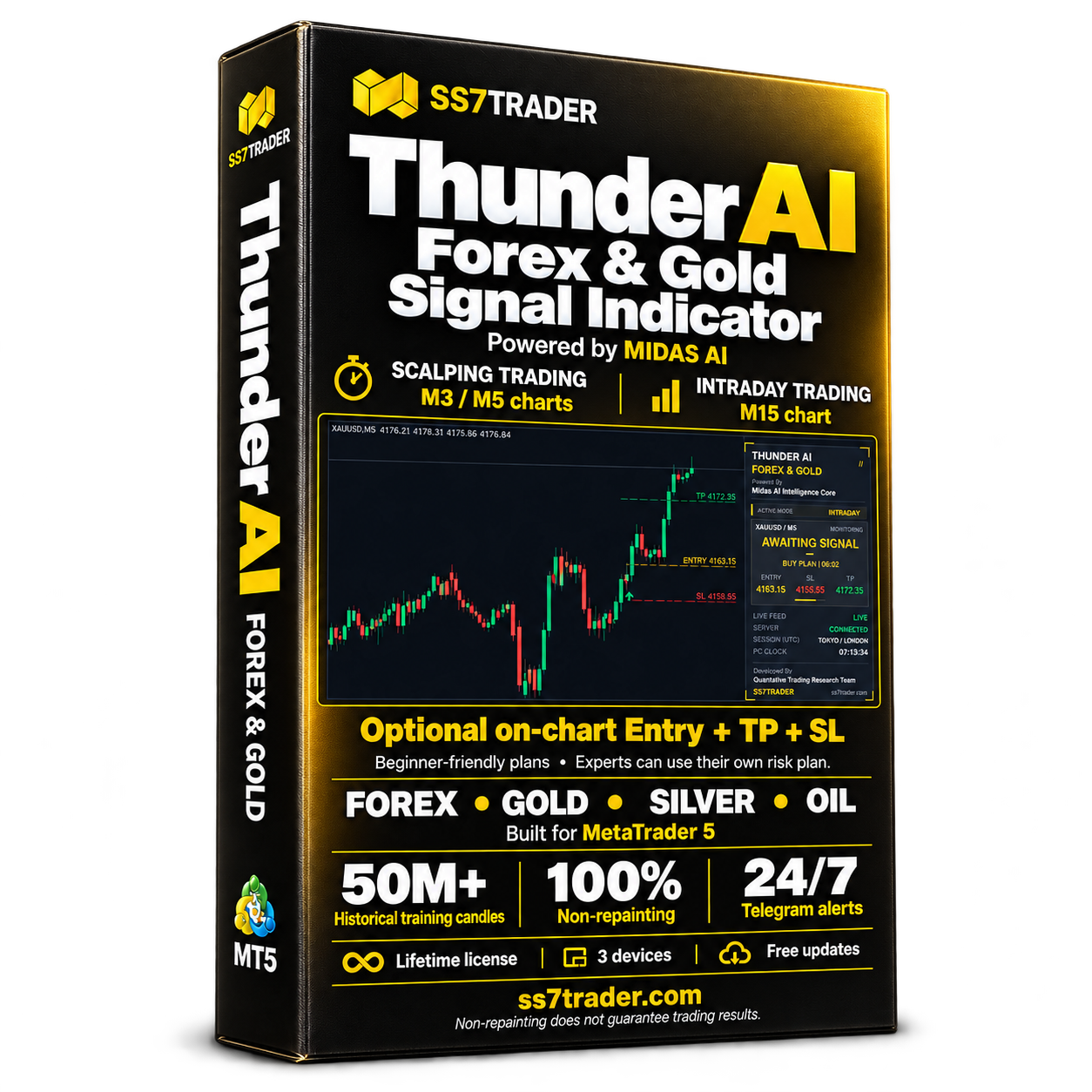
Thunder AI Forex & Gold
Choose scalping or intraday mode for Forex and commodity charts, including Gold, Silver and Oil.
- Scalping: M3 or M5 chart
- Intraday: M15 chart
- Optional on-chart Entry + TP + SL plan
- 100% non-repainting signals
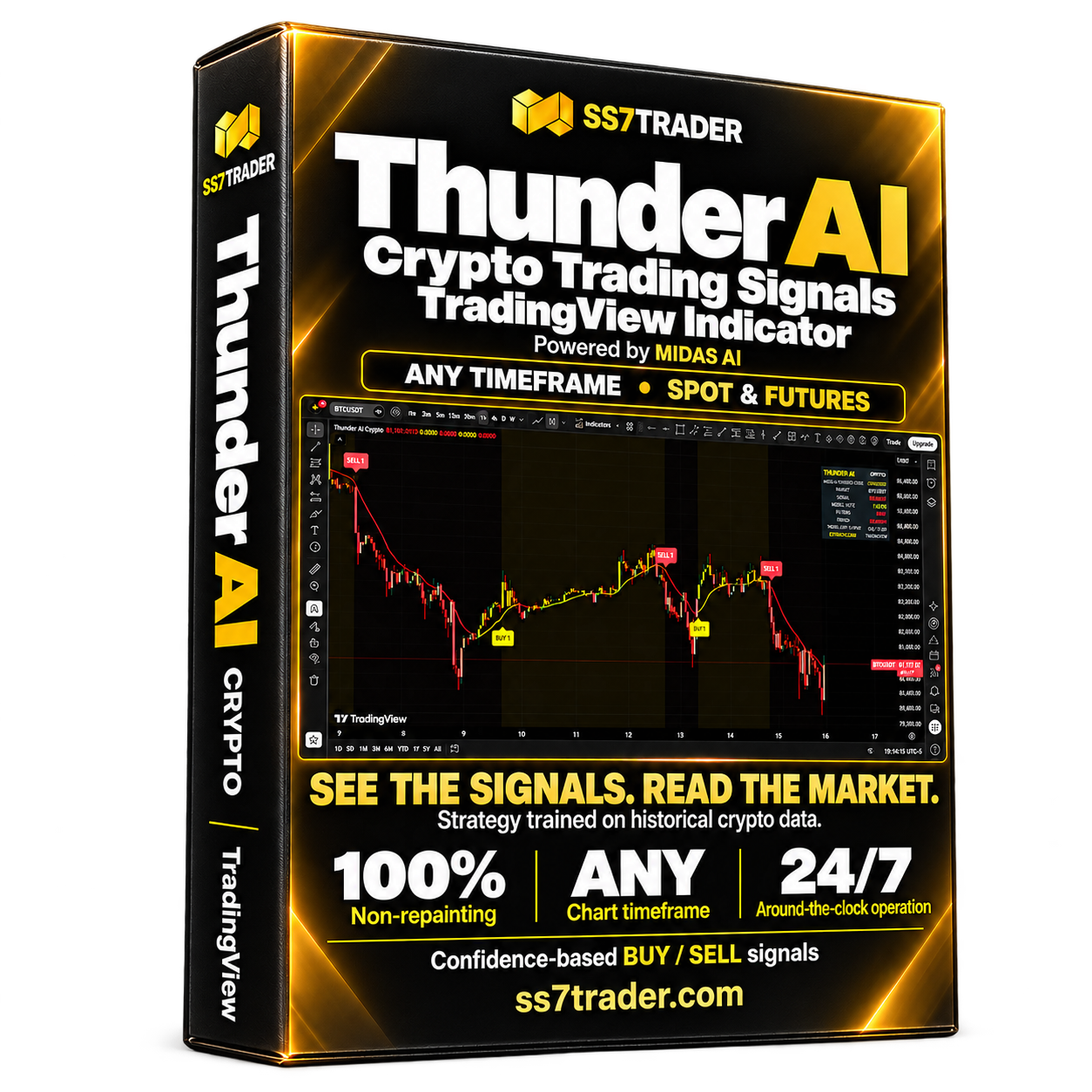
Thunder AI Crypto
A TradingView signals indicator developed specifically around historical cryptocurrency data.
- Use your chosen chart timeframe
- For spot and futures analysis
- 24-hour crypto market coverage
- 100% non-repainting signals
Prefer analyst-posted setups?
Explore signal.ss7trader.com for the SS7 Signals Terminal. See the current service coverage, access options and how trade setups are presented.
Entry zones, stop-loss and take-profit levels help you read the proposed trade plan. Check the setup’s timestamp and status before considering an entry; a chart indicator and a signals subscription are separate products.
Explore the Signals Terminal ↗Keep the platform and timing clear.
Thunder AI Binary runs in MetaTrader 5. It is not installed inside Pocket Option’s web platform. If you use an external chart alongside a broker, matching the symbol name does not prove the feeds or prices are identical.
Check chart compatibility, session, signal time and expiry in a demo workflow first. An older Telegram post should not be treated as a fresh entry. For the current Thunder AI Binary setup, use the documented M1 chart and five-minute expiry instructions.
One MIDAS AI ecosystem.
SS7TRADER’s research uses 50 million+ historical candles to develop and refine its tools. MIDAS retrains centrally; users receive tested product updates. An installed indicator should not be described as independently retraining itself live.
Our tools use defined setup conditions and confidence-based signal selection. Research scale and non-repainting behaviour describe the development approach and tool behaviour; they do not establish a guaranteed trading outcome.
Explore our research approach ↗ Meet MIDAS AI ↗
A few useful answers.
Is the SS7TRADER Telegram channel free to join?
Yes. The public channel at t.me/ss7trader is free to join. Indicator licences and paid signals access are separate offers; check their product or service pages for current terms.
Is this Pocket Option’s official Telegram channel?
No. It is SS7TRADER’s independent community. Pocket Option is a separate provider. Use the broker’s own official channels for broker account matters.
Does the community cover Forex, Gold and Crypto too?
Yes. SS7TRADER offers dedicated Thunder AI indicators for Binary Options, Forex & Gold, and Crypto, plus Forex, Gold and Crypto signals through the Signals Terminal. The links above take you to each separate option.
Which tool should a Pocket Option trader look at?
Start with Thunder AI Binary’s current requirements. It runs on MT5 using the M1 chart and a five-minute expiry workflow. Verify your broker/chart feed compatibility before evaluating any external-chart setup.
Does non-repainting mean every signal wins?
No. Non-repainting concerns how an indicator’s signals behave. Losing trades and changing market conditions still occur. Use your own risk plan and test the actual workflow before live trading.
Can I ask for help before buying?
Yes. Browse the public channel, review the product pages and contact the SS7TRADER team on Telegram or WhatsApp about installation, platform requirements and access.
Join SS7TRADER
on Telegram.
Browse the public history. Explore the tools. Find the next step that suits your market.
Trading involves risk of loss. Public posts, historical research and software signals do not guarantee future results. Review the current product requirements and service terms before purchasing.