
Exness Account Types for Gold Trading: What to Compare
Choosing a Gold trading account starts with more than the smallest advertised spread. Compare the complete cost of your trade, the execution model and the contract settings you will actually use.
This guide explains how to compare Exness account types for Gold trading, with a worked cost example and a practical checklist for your MT5 setup.
Referral disclosure: Some links in this article are referral links. SS7TRADER may receive compensation when an eligible referral meets the provider’s conditions.
Quick answer
- Compare spread and round-trip commission together; a zero-spread headline does not mean zero trading cost.
- Check the exact Gold instrument, account and current conditions rather than applying a platform-wide headline to XAUUSD.
- Use the same trade size and session when comparing observations.
- An indicator's timeframe does not determine the right broker account for every trader.
Start with the account options, not a universal winner
Exness lists Standard accounts separately from its Professional range. The Professional account page lists Pro, Zero and Raw Spread. The published pricing and execution descriptions differ between them, so the account label alone is not enough to make a useful decision.
For a practical comparison, write down the exact account you can open, the Gold instrument you want to trade and whether you plan to scalp or hold positions for longer. Then check the current account conditions on the official provider page. Availability and the terms attached to an account can vary.
This is a document-based comparison framework. We have not conducted a matched live execution or withdrawal test for this article, and we do not assign a best-overall rating from marketing information.
Compare the complete cost of a Gold trade
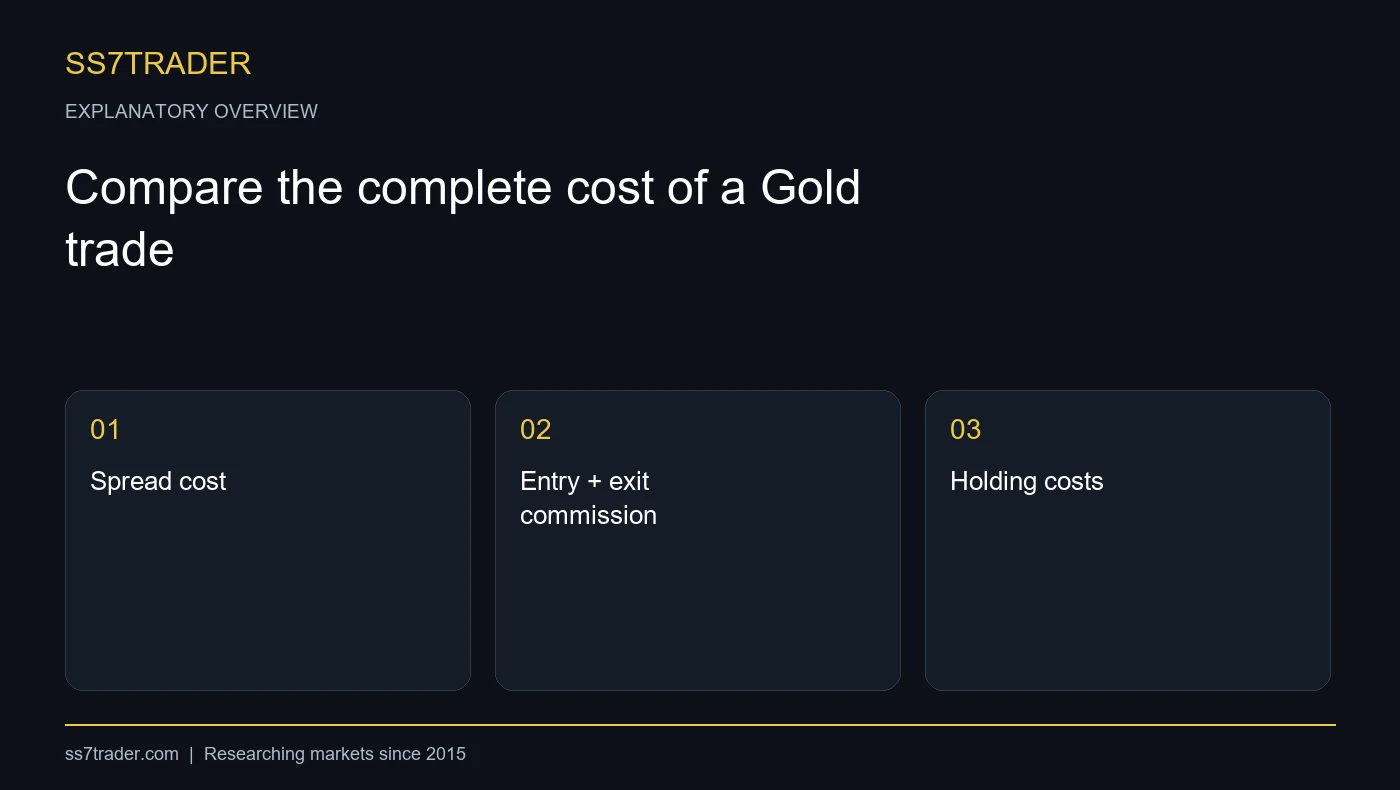
Your comparison should use the same instrument, position size and intended holding period. Start with the spread cost, add any commission for opening and closing, and include applicable holding charges. Keep execution slippage separate so you can see whether the quote and the fill differ.
A useful planning expression is:
Estimated transaction cost = spread cost + entry commission + exit commission + applicable holding charges.
This is a comparison tool, not a promise of the exact amount your order will cost. Actual spread and fill conditions can change between observation and execution. A commission described per side must be counted for both sides of a completed trade unless the provider's terms specify another convention.
If you compare only the minimum advertised spread, you can choose an account that looks cheaper while overlooking the rest of the cost.
A worked example: compare two hypothetical accounts
Assume two hypothetical Gold accounts use a contract of 100 ounces per lot. At 0.10 lot, a position represents 10 ounces. These are illustration assumptions, not a statement of the current Exness contract or fees.
Account A has a quoted spread of $0.30 per ounce and no separate commission. The illustrated spread cost is 10 × $0.30 = $3.00.
Account B has a quoted spread of $0.10 per ounce and a commission of $3.50 per lot per side. The spread cost is $1.00. Its round-trip commission at 0.10 lot is 2 × $3.50 × 0.10 = $0.70, giving an illustrated transaction cost of $1.70 before other costs.
Account B is cheaper under these assumptions. That does not establish which real account is cheaper in your trading conditions. Replace every assumption with the actual instrument specification, commission and observations from the accounts you are comparing.
Check execution and the conditions around your trading session
The Professional account page describes instant execution for Pro on several instrument groups and market execution for Zero and Raw Spread. Confirm the execution model for the exact account and instrument rather than assuming every account works the same way.
Record observations around the hours you intend to trade. For each sample, note the instrument, account, date, time, bid, ask, trade size and any commission. If you test order fills, record the requested and executed price separately. A small number of favourable screenshots is not an average execution study.
Exness states that spreads can change with volatility, liquidity, news and market opening or closing conditions. Build that variability into your testing plan instead of treating the lowest published figure as a permanent Gold spread.
Use this MT5 checklist before evaluating a Gold tool
- Confirm the correct trading server and account login.
- Open the exact Gold symbol offered on that account, including any symbol suffix.
- Check its contract size, price digits, volume step and applicable costs.
- Load the tool using its documented installation location.
- Select the chart timeframe required by the tool and your trading mode.
- Record the test date, session, settings and observations so a later comparison is meaningful.
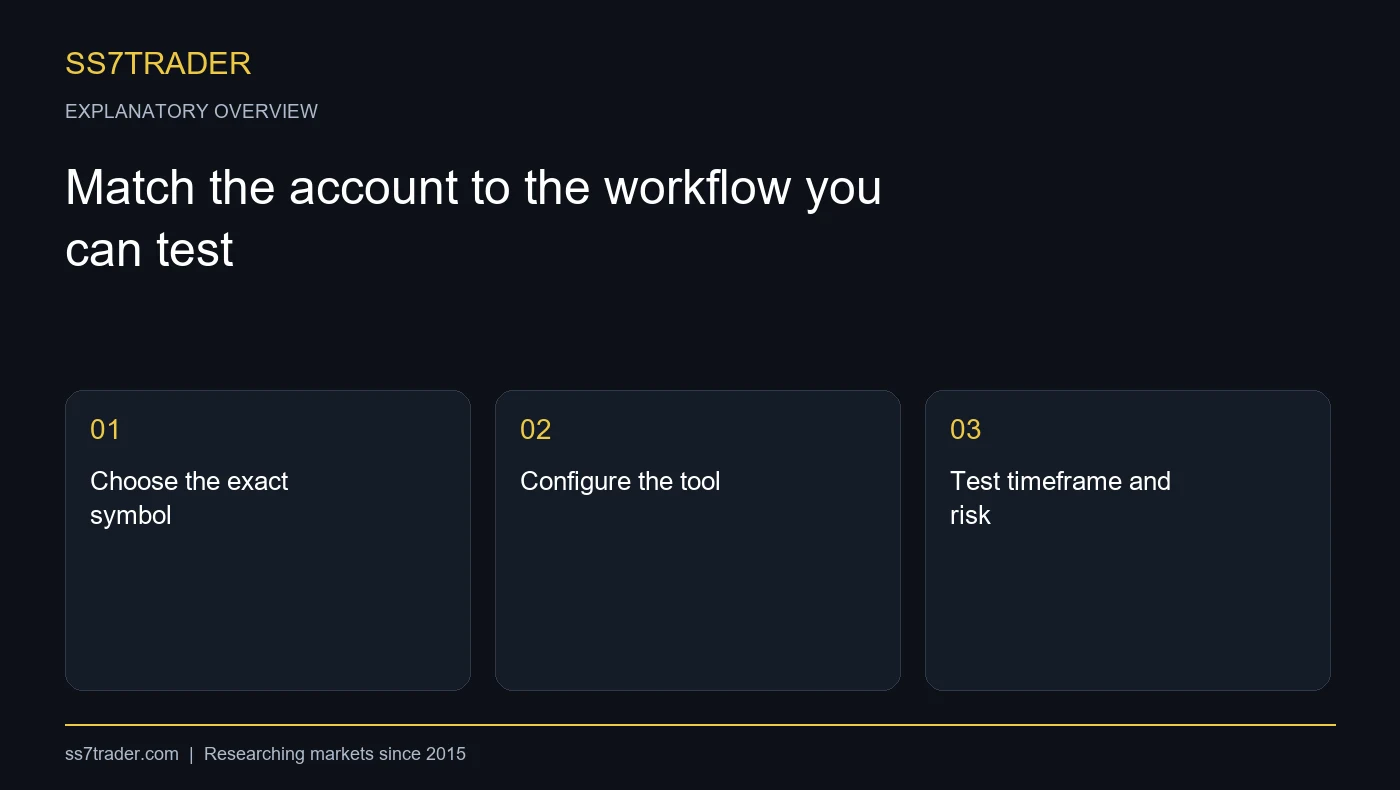
For Thunder AI Forex & Gold, the published workflow uses M3 or M5 for scalping and M15 for intraday trading, with an optional on-chart Entry, Take Profit and Stop Loss plan. These product settings do not replace account-cost checks or a trader's own risk rules. See the current product requirements before installation.
Match the account to the workflow you can test
For a short-horizon workflow, small differences in transaction costs can be material relative to the planned price movement. For longer-held positions, holding costs also deserve attention. Neither consideration proves that a strategy will be profitable.
Choose an account you understand, define how you will compare it and use a test environment before considering live deployment. Demo testing helps you check the interface and system behaviour, but it is not proof that live fills or results will match.
If you want to automate your own entry and trade-management rules, prepare a specification covering position sizing, duplicate-order protection, rejected orders, reconnects and maximum exposure. Our custom automation service can help scope that system. If you prefer analyst-posted setups, explore the SS7 Signals Terminal.
A practical account-comparison worksheet
| Check | What to record | Why it matters |
|---|---|---|
| Spread | Observed bid/ask difference on the exact symbol | A published minimum is not an average |
| Commission | Currency, lot basis and whether quoted per side | Opening and closing costs may both apply |
| Holding costs | Applicable long/short charges and timing | Relevant to the intended holding period |
| Execution | Account model and observed fills, if tested | Execution conditions affect the workflow |
| Contract | Contract size, volume step and price digits | Required for meaningful sizing and cost calculations |
Frequently asked questions
How should I compare Exness account types for Gold scalping?
There is no winner established by this guide. Compare actual Gold spread, commission, execution and your intended trading session using the same trade size. An account's marketing label does not replace that comparison.
Does zero spread mean a Gold trade is free?
No. Commission, changing spreads, execution and applicable holding costs must still be considered. Confirm the current conditions for the exact instrument and account.
Are the worked-example numbers current Exness prices?
No. They are explicitly hypothetical numbers used to show the calculation. Replace them with the terms and observations relevant to your own comparison.
Can SS7TRADER help with an MT5 setup?
Yes. Contact the team on Telegram or WhatsApp to discuss installation, available tools or a custom automation brief. Broker account decisions and provider-side resolution times remain with the broker.
Sources and review basis
Official provider-document review and an original hypothetical calculation. No matched live broker execution or withdrawal testing is claimed.
- Exness: Standard trading accounts — checked 2026-10-25
- Exness: Professional accounts — checked 2026-10-25
- SS7TRADER: Thunder AI Forex & Gold product requirements — checked 2026-10-25