
Bitunix Spot Trading Guide: Pairs, Orders & Your First Workflow
Learn the Bitunix spot workflow: choose a pair, compare market and limit orders, inspect order status and plan an exit. Includes a practical beginner checklist.
Partner promotion: SS7TRADER may earn commission from eligible referral activity. No fixed customer bonus or discount is promised. Check regional eligibility and current terms. Crypto and leveraged products carry loss risk.
Bitunix spot trading exchanges an available asset balance for another asset in a selected pair. Start by checking the pair, quote currency, order size and cost. A submitted order is not necessarily a filled order, and ordinary unleveraged spot trading differs from a futures position.
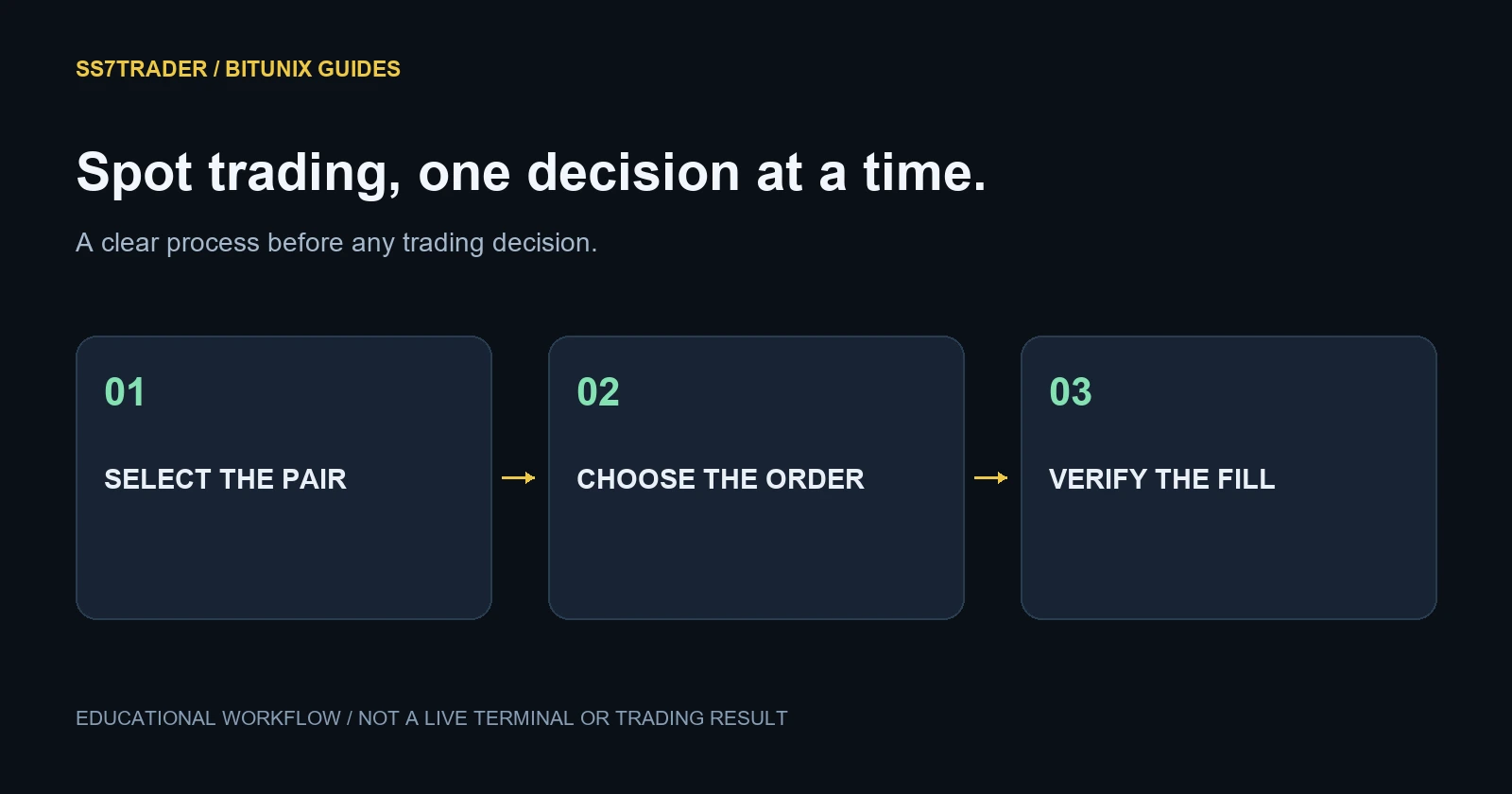
Read the trading pair correctly
In BTC/USDT, BTC is the base asset and USDT is the quote asset. A buy uses available quote currency to acquire the base asset; a sell exchanges available base currency for quote currency. Verify the pair because similarly named symbols can refer to a derivative or another quote currency.
Your plan should specify what you want to own, how much you intend to exchange and which conditions would change that decision. A green candle alone does not answer those questions.
Prepare the spot balance
Check the balance available to the spot product. An amount displayed in an account overview may not all be available for a new order: existing orders, transfers or product allocations can matter. Follow the current interface prompts rather than assuming every balance is interchangeable.
If you need to transfer crypto, use our deposit and withdrawal checklist. Confirm the network and minimum before making any transfer. This guide does not perform a purchase or move funds for you.
Market order or limit order?
The official spot quick-start guide describes both approaches. A market order seeks immediate execution against available prices. A limit order sets the maximum buy price or minimum sell price you accept; it may wait, partially fill or never fill.
Suppose the displayed ask is 60,000 USDT and you want to buy only at 59,500. A buy limit at 59,500 waits unless matching sellers become available under the order rules. A market buy does not preserve that 59,500 price preference. These are hypothetical numbers, not a Bitcoin price forecast.
Read the order preview before submitting
Confirm the side, units and total. A quantity field expressed in BTC differs from a total expressed in USDT. Decimal-place mistakes can change the order substantially. Read the estimated fee and available balance rather than assuming a percentage slider produced your intended size.
Then check spread and depth relative to the order. Liquidity can change while the order is being submitted. A market buy may fill at several prices, especially when the nearby sell book is small.
Submitted, open, partly filled and filled
An order can exist without a completed trade. Review both open orders and trade history. A partial fill means some of the requested quantity traded while another portion remains subject to the order rules. Cancelling an unfilled remainder does not undo the quantity already executed.
A simple journal entry records time, pair, intended size, actual average price, fee and reason for entry. Repeat this after the exit. This helps you distinguish a strategy problem from an execution misunderstanding.
Build the analysis separately from execution
If you use Thunder AI Crypto on TradingView, match the research symbol and timeframe to the exchange instrument you are evaluating. Exchange candles can differ because their executed trades differ.
The indicator’s chart output is an analysis input, not a Bitunix order or a direct integration claim. Decide your risk and exit plan before acting. Ordinary unleveraged spot does not have perpetual-futures liquidation mechanics, but the asset can still lose much or all of its value.
Frequently asked questions
Does buying spot open a futures position?
No. Spot exchanges asset balances; a futures contract is a different product.
Why is my limit order still open?
The market may not have reached a matching price, or available quantity may not have filled the full order.
Can I use TradingView analysis with Bitunix spot?
You can compare analysis with the relevant exchange market, but that does not establish automatic execution or identical candles.
What should I check after a trade?
Check the fill quantity, average price, fee and remaining open orders, then save the record.
Continue through the Bitunix guides
Sources and review method
Platform-specific facts were checked against the official pages linked here. Examples are hypothetical. This is SS7TRADER’s explanatory guide, not an independent audit or a claim that we tested every feature. Fees and policies can change after review.
Bitunix official documentation: Spot ↗Bitunix official documentation: Fees ↗