
Bitunix Deposit & Withdrawal Guide: Networks, USDT & Checks
Learn the Bitunix crypto deposit and withdrawal workflow. Check networks, addresses, memo tags, minimums, verification and transaction status before sending.
Partner promotion: SS7TRADER may earn commission from eligible referral activity. No fixed customer bonus or discount is promised. Check regional eligibility and current terms. Crypto and leveraged products carry loss risk.
For a Bitunix crypto transfer, the asset, blockchain network, recipient address and any required memo or tag must match. Check the live deposit or withdrawal screen for supported routes, minimums, fees and account verification requirements. A completed blockchain transfer is not automatically a credited exchange deposit.
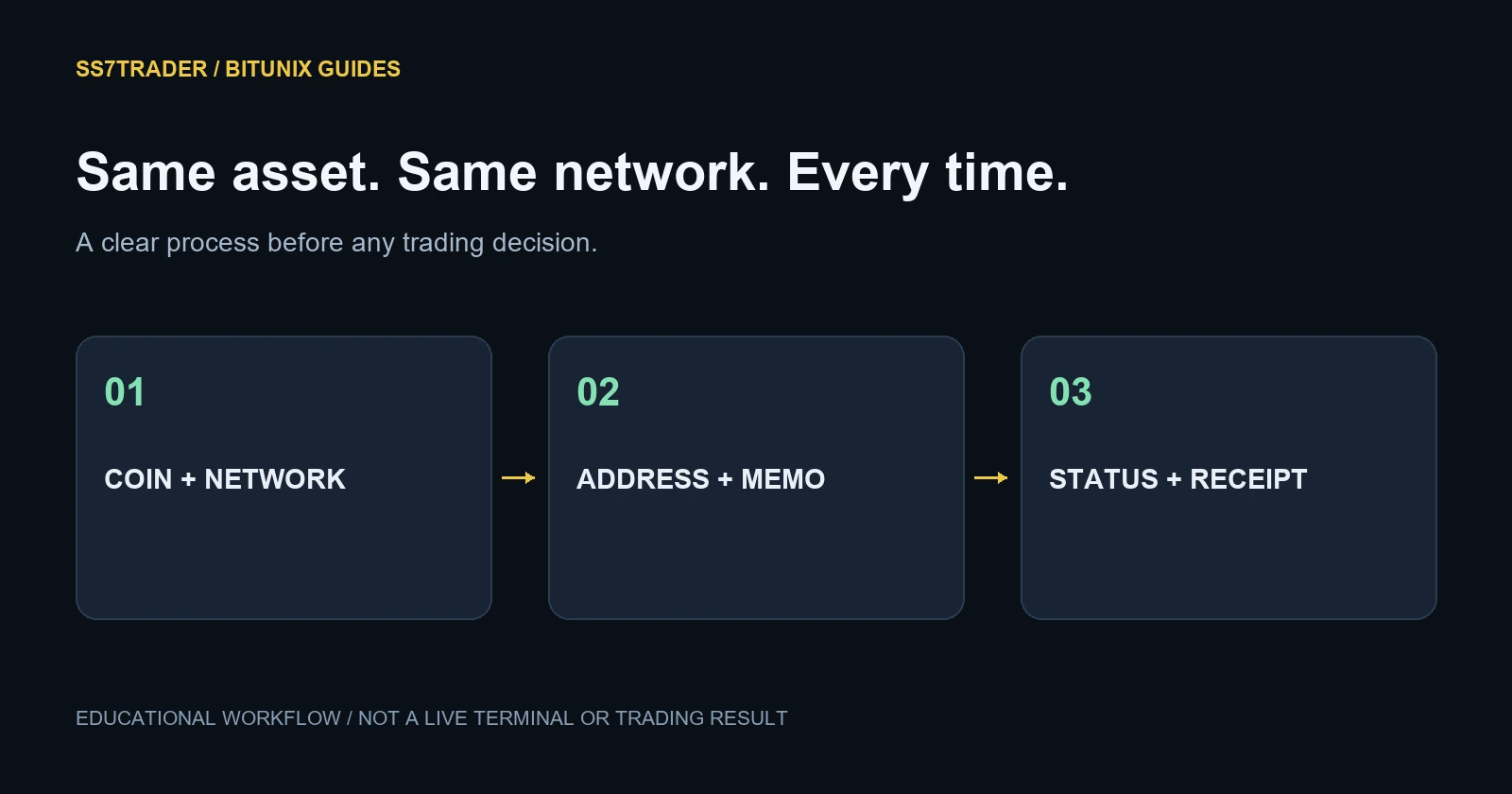
Understand the route before moving funds
A deposit transfers crypto into the exchange account. A withdrawal transfers it out to another supported destination. An internal transfer is a separate route between platform accounts; it should not be confused with an on-chain address transfer.
Different networks can carry tokens with the same ticker. USDT on one chain is not automatically accepted by a deposit address created for another. The fact that an address passes a format check does not prove the receiving platform supports your chosen route.
Deposit checklist
Open the current deposit page, select the asset and choose a network supported by both the sender and receiver. Read the minimum and any suspension notice. Copy the newly displayed address and include the required memo or tag. The official Bitunix deposit guide explains these checks.
Verify the destination before authorising the transfer yourself. If considering a test transfer, ensure it also exceeds the deposit minimum and accounts for sending fees. A test that is too small to credit does not validate the route.
Save the network, transaction identifier and expected receiving asset. Wait for the required confirmations and the exchange credit status before assuming the transfer is complete. There is no universal arrival time that applies to every chain and account review.
Withdrawal checklist
Obtain the recipient’s current deposit instructions. On Bitunix, select the asset and matching network, then review address, memo or tag, amount, fee and expected net receipt. Complete the required security checks only in the official platform. The withdrawal guide documents on-chain and internal-transfer routes.
Check the receiving minimum as well as the sending minimum. Subtracting a withdrawal fee can leave the recipient with less than expected. Never choose a different network simply to lower the cost when the destination does not support it.
Verification and transfer limits
The current KYC level page states that withdrawal access depends on verification. Account risk checks, region and security status can affect the features actually available. The account screen is the place to confirm your applicable limits.
Do not rely on old “no KYC” promotional posts or assume one account’s limit applies to everyone. Complete document checks only through official exchange interfaces; SS7TRADER does not collect identity files.
If a transfer has not arrived
First identify the stage. Is it still pending at the sender, broadcast on-chain, confirmed on the correct network, or awaiting exchange credit? These are different states and need different evidence.
Use the appropriate network explorer for the transaction identifier, then compare asset, network, destination, memo and confirmations with the receiving instructions. Do not repeatedly send another transfer to “push” the first one through.
Contact the relevant official support team with the transaction details they request. Recovery of an unsupported asset or wrong network is not guaranteed. Never pay an unsolicited “recovery agent” or disclose a seed phrase, password or one-time code.
Keep a useful transfer record
Record the date, asset, chain, amount sent, fee, net received and transaction identifier. Separate transfers from trades in your journal: moving crypto is not the same as selling it, and an exchange balance change alone does not explain the cause.
For research after the account is ready, read the spot guide or futures risk guide. Only consider a product you understand and can access.
Frequently asked questions
Can I send USDT using any network?
No. Use a network supported by both the sending and receiving services and selected for that exact transfer.
Why did a confirmed transaction not credit?
Possible causes include the wrong network, missing memo, minimum thresholds, required confirmations or account review. Check the transaction and contact official support.
Is the withdrawal fee fixed for every coin?
No. Inspect the selected coin and network’s current preview, fee, minimum and net receipt.
Can SS7TRADER release a held withdrawal?
No. Exchange account reviews and withdrawals are controlled by Bitunix, not by the referral partner.
Continue through the Bitunix guides
Sources and review method
Platform-specific facts were checked against the official pages linked here. Examples are hypothetical. This is SS7TRADER’s explanatory guide, not an independent audit or a claim that we tested every feature. Fees and policies can change after review.
Bitunix official documentation: Deposit ↗Bitunix official documentation: Withdraw ↗Bitunix official documentation: Kyc ↗